

 Once configured and activated you can create a new card transactions flow rule
with an anti-fraud decision as its condition.
Once configured and activated you can create a new card transactions flow rule
with an anti-fraud decision as its condition.
Anti-fraud
Anti-fraud setup
Setting up an anti-fraud service
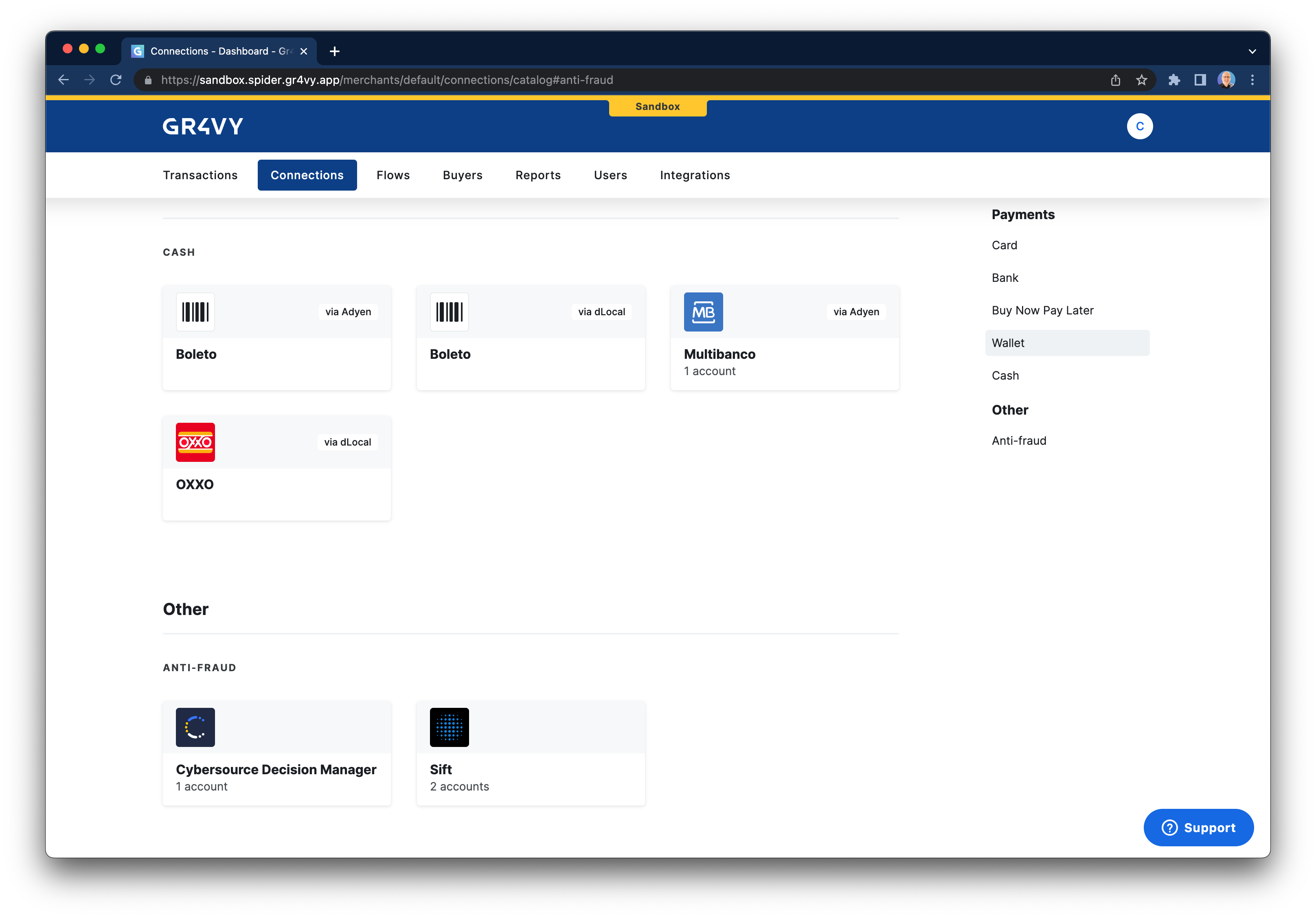
To enable anti-fraud you will first need to create a new anti-fraud connection
which can be completed via the dashboard by heading to Connections -> Catalog.
On this page, scroll down to the bottom to explore the available anti-fraud services.
Once configured and activated you can create a new card transactions flow rule
with an anti-fraud decision as its condition.
Once configured and activated you can create a new card transactions flow rule
with an anti-fraud decision as its condition.